Setup a Multipass CDK Environment
I want to be able to connect to the environment using Visual Studio Code, so first we need to create a SSH key:
ssh-keygen -t rsaWe need a configuration YAML, replace <generated ssh-rsa key> with the above key, saved as cloud-init.yaml:
groups:
  - vscode
runcmd:
  - adduser ubuntu vscode
ssh_authorized_keys:
  - ssh-rsa <generated ssh-rsa key>
Assuming you've got Multipass installed (if not sudo snap install multipass) then:
multipass launch mantic --name ubuntu-cdk --cloud-init We'll come back to Visual Studio Code later but first lets set everything up in the VM. We need to install aws-cli which I want to use with SSO (hence why we installed Mantic).
multipass shell ubuntu-cdk
sudo apt install awscli
aws configure sso
Follow the prompts and sign in to AWS as usual. Then install CDK:
sudo apt install nodejs npm
sudo npm install -g aws-cdk
Almost there, lets bootstrap1 (provisioning resources needed to make deployments) substituting the relevant values:
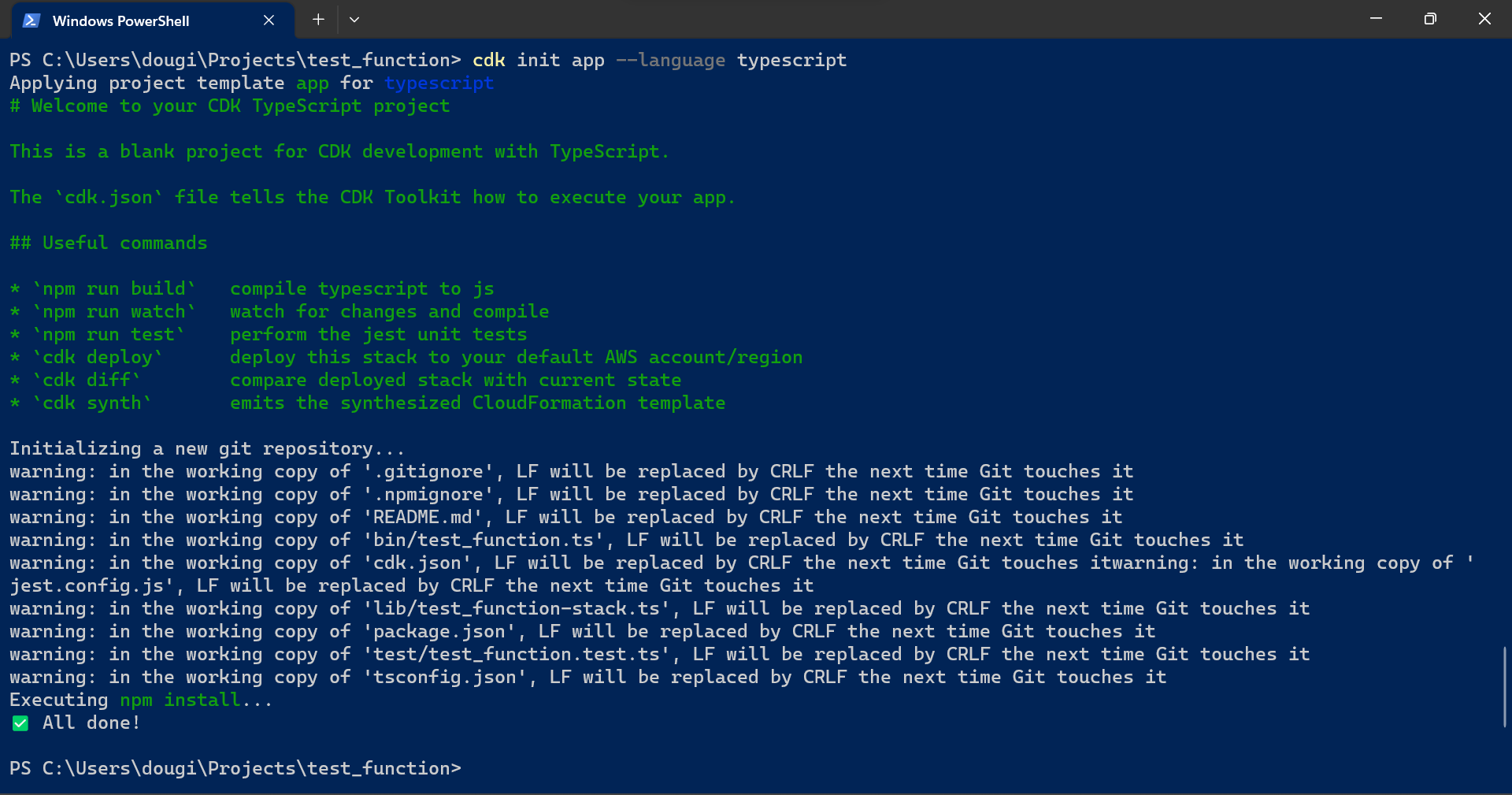
cdk bootstrap aws://<account>/<region> --profile <profile>You should see a screen like this:

Create a new CDK application by creating a new folder, changing into it and initialising CDK:
cdk init app --language python
source .venv/bin/activate
python -m pip install -r requirements.txt
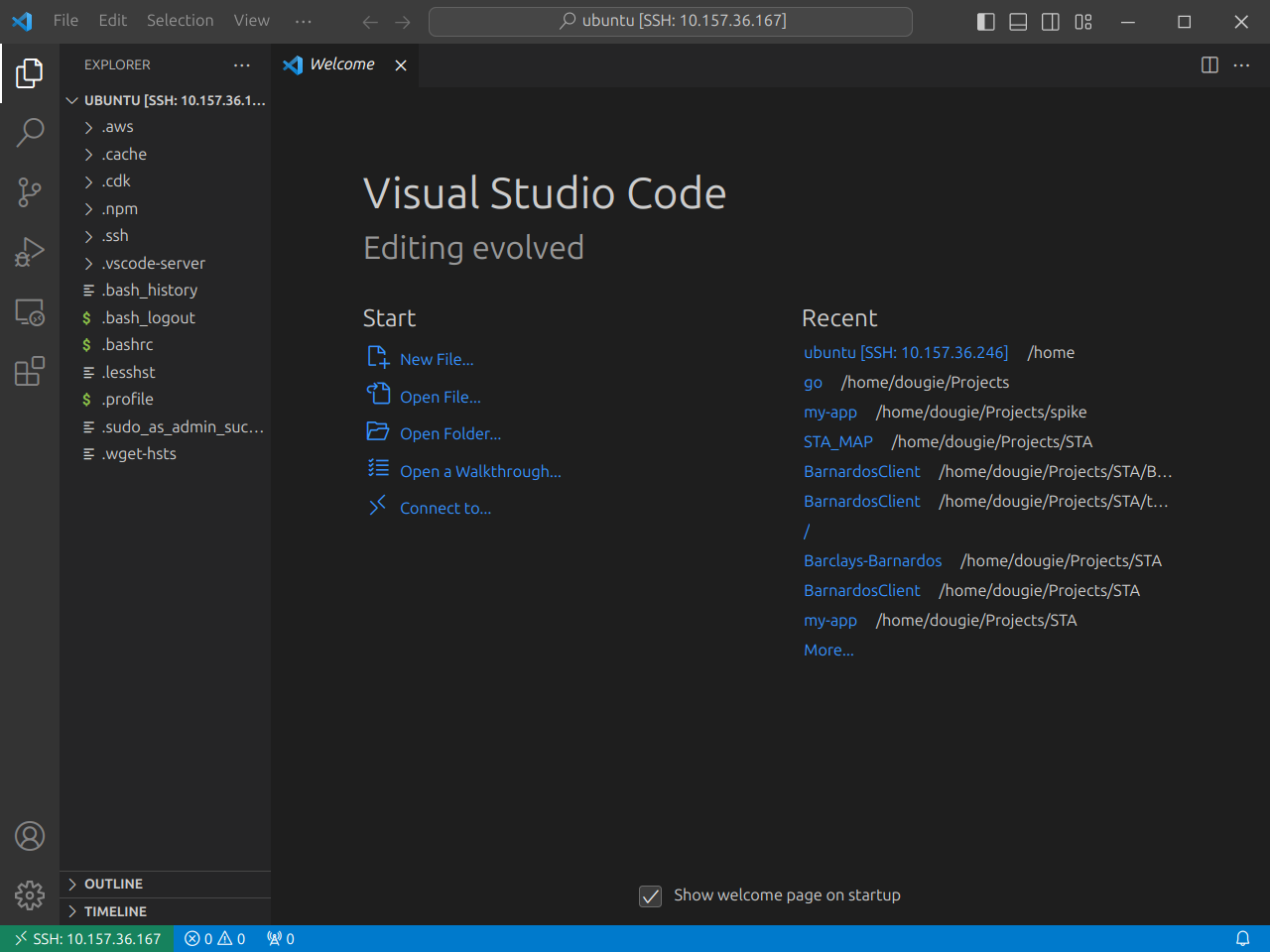
And that's about it, except for Visual Studio Code. You'll need to install Microsoft's Remote-SSH extension:

You can get the IP address from multipass list, then in Code add a new SSH connection using ubuntu@<ip>:
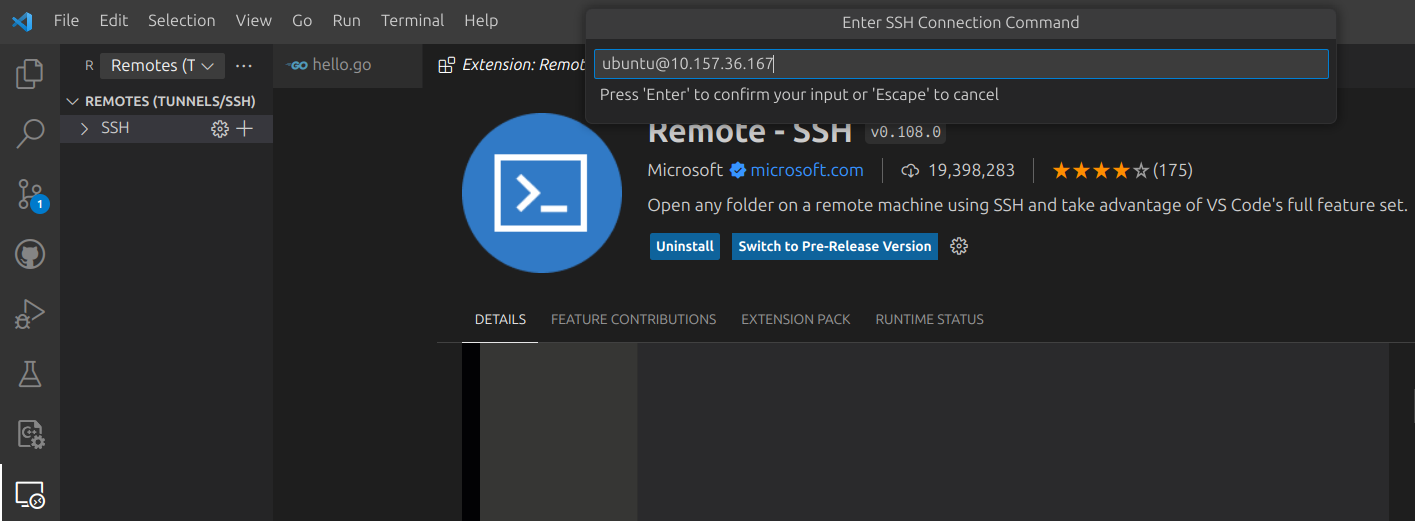
Accept the various options presented and you're there!