
Configure an antigravity-cli statusline
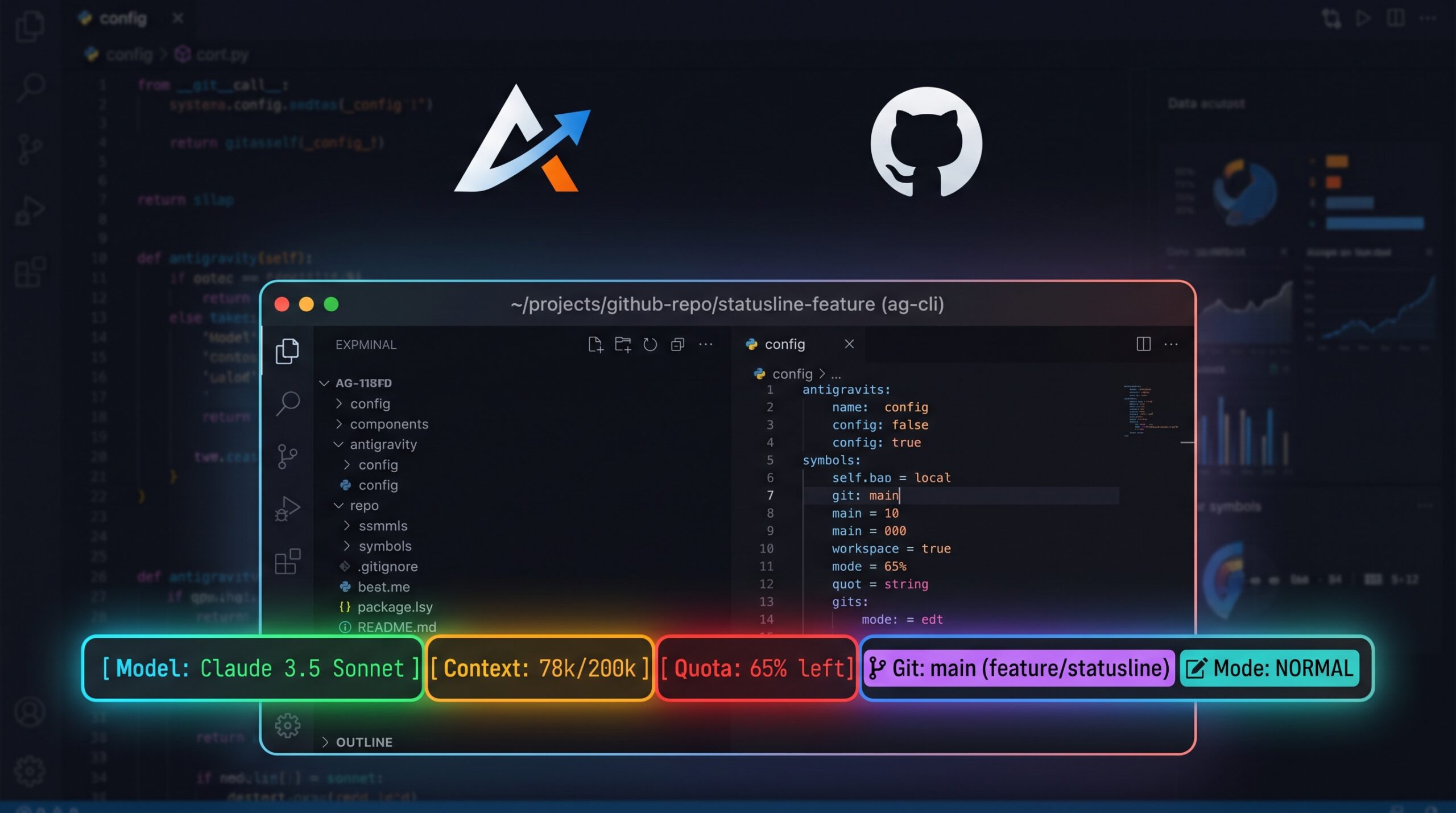
I got tired of "✦ Antigravity" staring back at me every time I opened the CLI, so I wrote it a proper statusline.
Antigravity pipes a JSON payload to stdin on every prompt: model name, context window usage, quota, workspace, edit mode. statusline.py reads that, builds a few ANSI segments and prints one line.
cw = data.get("context_window", {})
used_pct = cw.get("used_percentage", 0) or 0
ctx_color = GREEN if used_pct < 40 else RED
bar_len = 10
filled = max(0, min(bar_len, int((used_pct / 100.0) * bar_len)))
ctx_bar = "█" * filled + "░" * (bar_len - filled)
Same trick for quota, then the current directory and git branch get tacked on if there is one. The whole thing's wrapped in a top-level try/except, so if Antigravity ever sends something malformed, it just falls back to ✦ Antigravity instead of taking your prompt down with it.
Install is one line: make install. It copies the script to ~/.antigravity/statusline.py and patches settings.json to point at it.
Heck, swap the emoji, add a token counter, whatever you like. It's about forty lines of Python reading a dict and printing a string.
Code's on GitHub.