Flashing XTEink v3 with esptool on Fedora
I picked up an XTEink v3 dev edition to play with CrossPoint firmware. Step one was getting crosspointreader.com/debug to actually see the device over Web Serial. That took longer than it should have, mostly because I chased the wrong causes first.
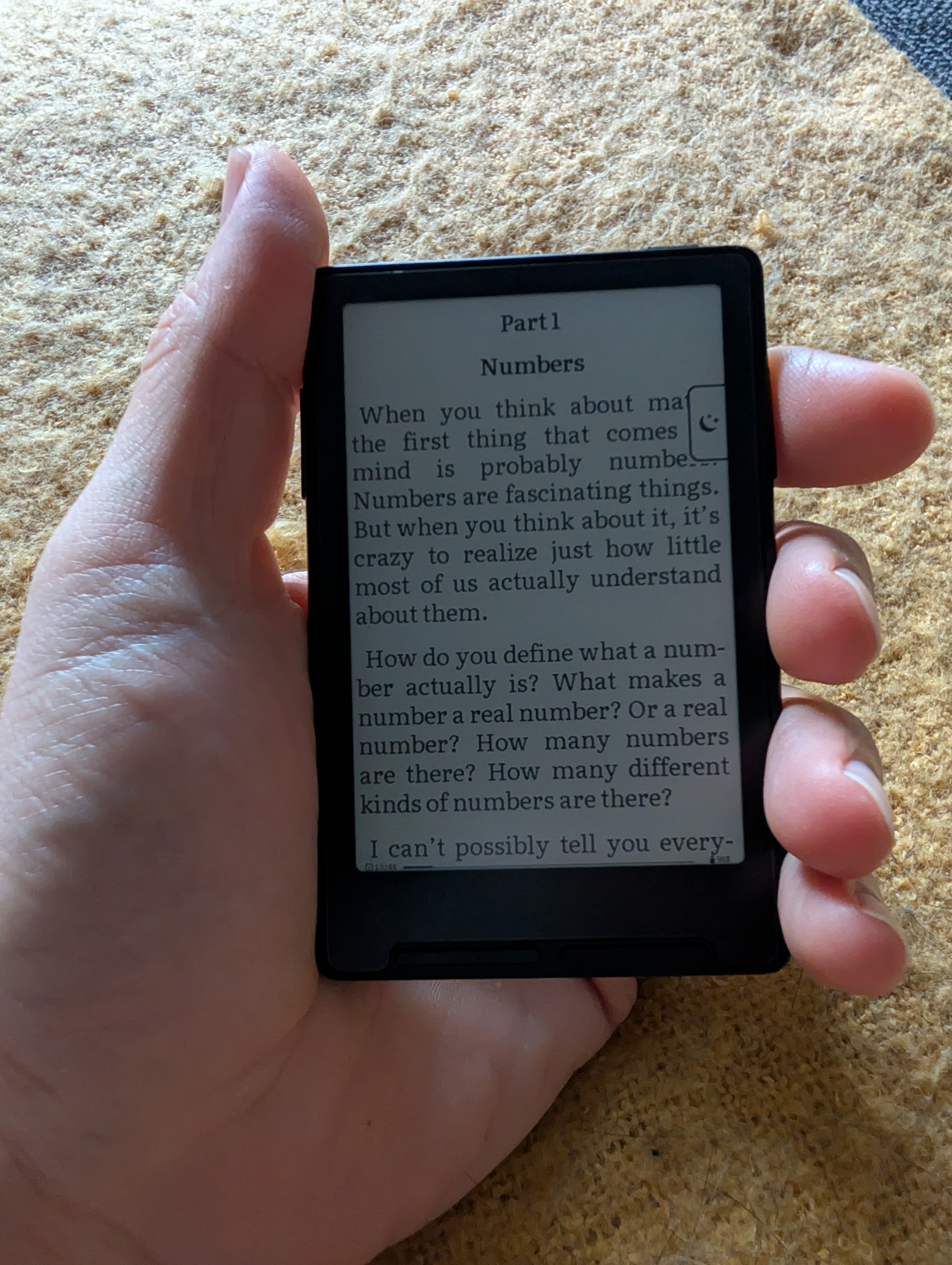
Quick summary: skip the browser flasher entirely and use esptool from the command line. The debug page's Web Serial flasher consistently times out at the baud rate it uses. It's not a permissions or connection issue, it just can't win that race. esptool with an explicit --baud avoids the whole problem and lets you back up the existing firmware first, which the browser can't do at all.
The setup that actually works
Three things, and all three have to be true at once.
First, your user needs to be in the dialout group:
sudo usermod -aG dialout $USERLog out and back in, or reboot. Group membership only applies to new sessions, so running the command and immediately retrying gets you nowhere.
Second, the device has to be awake and sitting in its main menu when you connect. Not asleep, not mid-boot.
Third, go into the device's own Settings menu and set both Time to sleep and Time to power off to Never before you start. Otherwise it drops off the USB bus mid-transfer on its own timer, which shows up as a stall partway through a flash.
Web Serial only works in Chromium-family browsers (Chrome, Chromium, Edge, Brave, Opera). Firefox and Safari don't implement the API at all.
Confirming it enumerated
lsusb | grep Espressif
ls -l /dev/ttyACM0
It should show as Espressif USB JTAG/serial debug unit, VID 303a, PID 1001, backed by /dev/ttyACM0 owned root:dialout. The chip is an ESP32-C3 with a native USB Serial/JTAG controller built into the silicon, no separate USB-UART bridge chip involved.
A connect/disconnect/reconnect cycle in the kernel log right after plugging in is normal. That's the controller's CDC stack initialising.
The red herring
The dialout membership was already correct, so that wasn't actually the problem. The actual blocker was simpler: the device wasn't awake at the moment I was testing. Once I confirmed it was connected and sitting in the main menu via lsusb and dmesg, Chromium picked it up on the first try.
Two ways to flash it, one of which works
The debug page offers a browser-based flasher. I'd skip it and go straight to esptool on the command line instead.
The browser approach
The debug page flashes over Web Serial using esptool-js. In testing this stalled at inconsistent points, 50% one run, 44% the next, throwing Error: Read timeout exceeded in DevTools, even with the device correctly connected and permissioned.
The cause is the baud rate. A full flash erase and write at the rate esptool-js drives just takes longer than its own read timeout allows for. It isn't a flaky connection or a permissions issue, the transfer is racing a clock it can't win, so it fails the same way every time. Don't bother chasing this one, go to esptool instead.
esptool: backup, then write
Install it as a native Fedora package:
sudo dnf install -y esptoolClose any Chromium tab holding the port open first (see "If it happens again" below), then back up the existing flash before touching anything:
esptool --port /dev/ttyACM0 --baud 921600 read-flash 0x0 0x1000000 \
  ~/Nextcloud/xteinkv3_firmware_backups/xteinkv3_backup_$(date +%Y%m%d_%H%M%S).bin
sha256sum ~/Nextcloud/xteinkv3_firmware_backups/xteinkv3_backup_*.bin
0x1000000 is 16MB, the flash size on this particular unit. Check yours first with esptool --port /dev/ttyACM0 flash-id if you're doing this on a different device.
The --baud flag matters more than it looks, and it's the same flag that saves you from the browser's problem. Without it, esptool defaulted to reading at roughly 2KB/s, which would have taken about two hours for the full 16MB. At 921600 baud the same read takes about four minutes, well inside any sane timeout.
Keep the SHA-256 alongside the backup file. It's the only way to confirm integrity later.
With the backup safely stored, download the new firmware from the debug page as update.bin and write it the same way:
esptool --port /dev/ttyACM0 --baud 921600 write-flash 0x0 update.binThe device does a hard reset via RTS at the end of the operation. It briefly vanishes from the USB bus for a few seconds before it comes back. Normal behaviour. If you ever need to roll back, the same command with your backup file in place of update.bin restores it:
esptool --port /dev/ttyACM0 --baud 921600 write-flash 0x0 <backup>.binIf it happens again
If a transfer stalls, check journalctl -k --since "5 min ago" for a USB disconnect around that time. Nine times out of ten that means Time to sleep or Time to power off wasn't set to Never after all.
Re-check lsusb and /dev/ttyACM0 before assuming it's a browser problem. If the OS sees the device fine but the browser's port picker shows nothing, the page's requestPort() filter might not be matching the ESP32-C3's actual VID/PID (303a:1001), worth reporting upstream if so.
And if esptool reports the port as busy, check lsof /dev/ttyACM0 first. An open Chromium tab on the debug page is probably still holding the connection.